

ScribeTo
01 / Overview
What is ScribeTo?
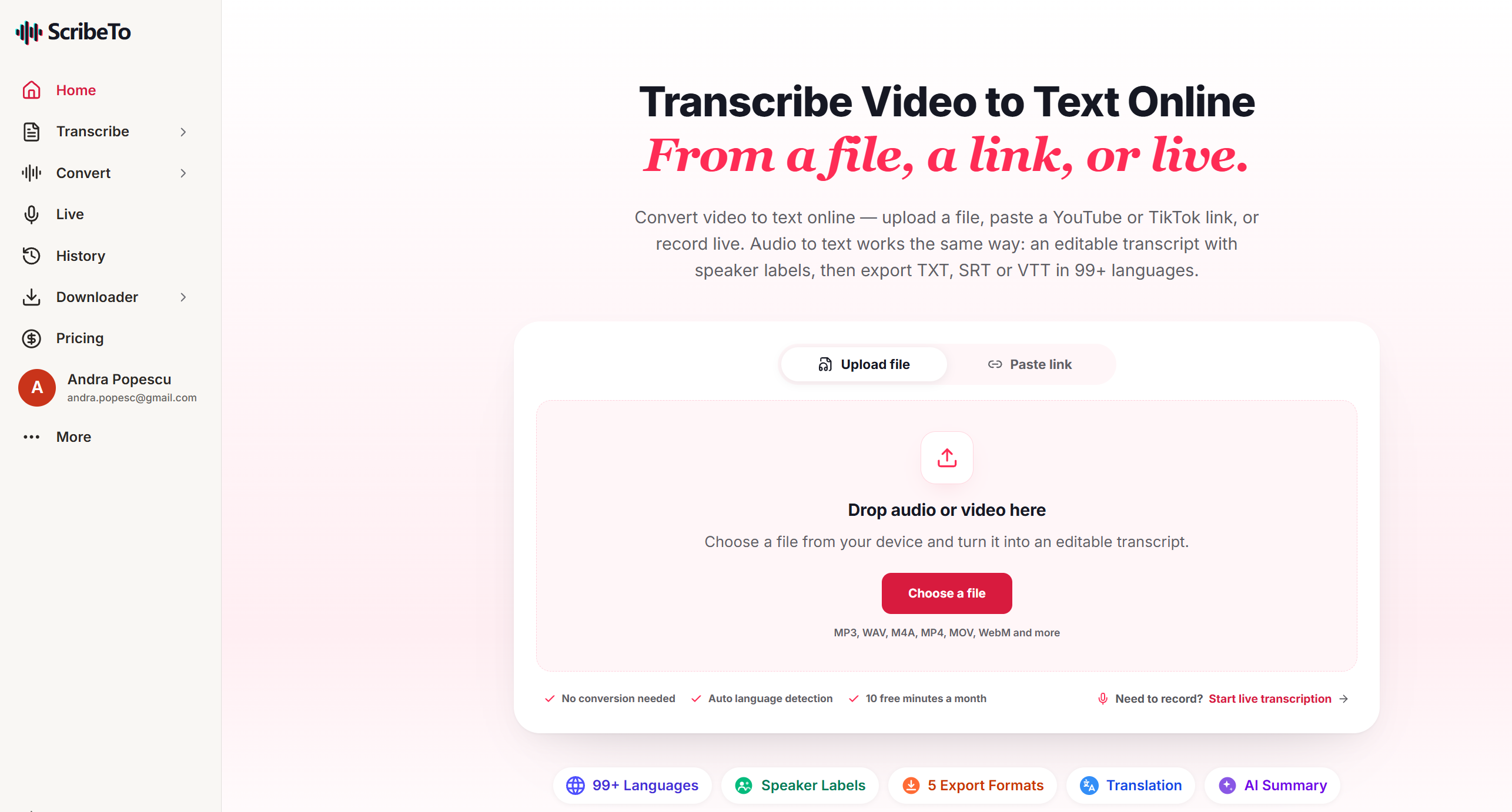
Turn video recordings into searchable transcripts with timestamps, speaker labels, and subtitle exports.
- Listed
- Sep 23, 2026
- Official website
- scribeto.ai
02 / Details
About
ScribeTo is a browser-based transcription service for converting video, audio, and supported public media links into editable text. It is designed for users who need searchable transcripts, timestamps, speaker organization, or subtitle-ready exports without manually typing a recording.
Core Features
- Audio and video transcription: Upload supported recordings and convert speech into editable text.
- Public-link import: Start from supported media links when the user has permission to process the content.
- Transcript navigation: Use timestamps and speaker labels to review a recording more efficiently.
- Subtitle export: Export supported caption formats for continued editing or publishing workflows.
Best Fit and Limits
ScribeTo fits interviews, meetings, lectures, podcasts, and creator workflows where a transcript is the starting point. Accuracy varies with language, noise, overlapping speakers, names, and technical vocabulary. Listen back to important passages and obtain consent before processing private recordings.
Pricing and Availability
File limits, languages, exports, and plan terms are controlled by the service. Check ScribeTo for current pricing and supported inputs.
Frequently Asked Questions
Is a transcript ready to publish immediately?
Usually not. Correct names, punctuation, speaker labels, timing, and specialist terms against the recording.
Can any online video be transcribed?
Only process media you are authorized to use, and confirm that the link format is supported by the service.
Does transcription translate the recording?
Transcription and translation are different tasks. Check the current feature list if translated output is required.
03 / Features
ScribeTo core features
Audio and video transcription
Upload supported recordings and convert speech into editable text.
Public-link import
Start from supported media links when the user has permission to process the content.
Transcript navigation
Use timestamps and speaker labels to review a recording more efficiently.
Subtitle export
Export supported caption formats for continued editing or publishing workflows.
04 / Pricing
ScribeTo pricing and plans
Pricing and Availability
- File limits, languages, exports, and plan terms are controlled by the service. Check ScribeTo for current pricing and supported inputs.
05 / FAQ
FAQ about ScribeTo
Is a transcript ready to publish immediately?
Usually not. Correct names, punctuation, speaker labels, timing, and specialist terms against the recording.
Can any online video be transcribed?
Only process media you are authorized to use, and confirm that the link format is supported by the service.
Does transcription translate the recording?
Transcription and translation are different tasks. Check the current feature list if translated output is required.
Alternatives worth comparing
Three products from AI Transcription to review before choosing.

Otter.ai
Record meeting audio, create transcripts, and extract follow-up tasks from discussions.
View product details
Whisper
Transcribe multilingual audio into searchable text for review and further processing.
View product details
Descript
Edit podcasts, interviews, and videos by editing their transcripts and organizing audio and video together.
View product details